Loading Studio workspace

AI Image Upscaler: Upscale Image to 4K with AI

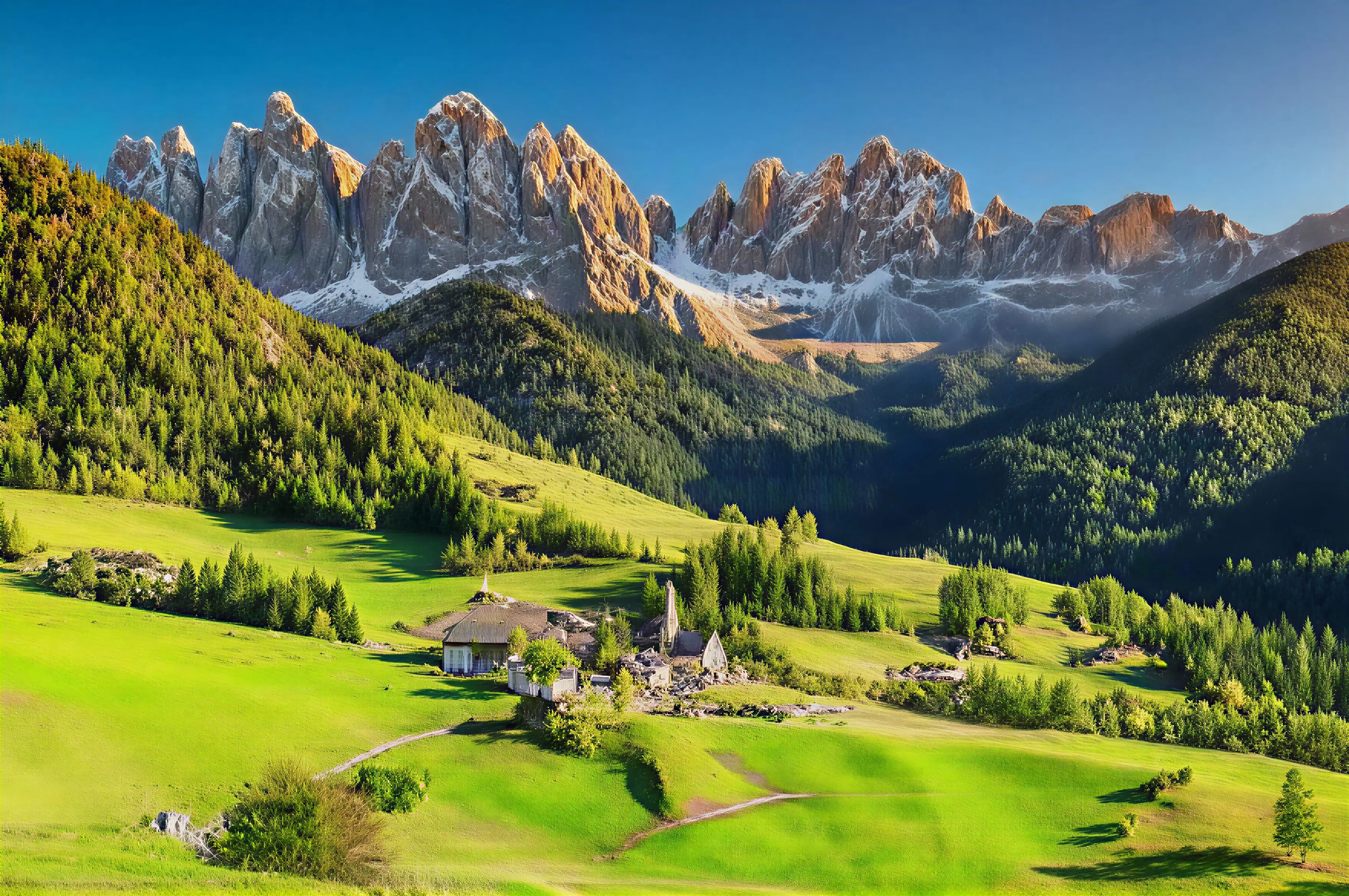
Turn low-resolution images into clearer, sharper visuals with AI. Upscale images online to 4K, improve image quality, and enhance photo resolution in seconds.

AI-Powered Enhancement

Why Use Our AI Image Upscaler

Improve low-quality images with our image quality enhancer built for clearer details, cleaner output, and fast online use.

  • 4K Resolution Output: Upscale your images to crystal-clear 4K resolution with intelligent pixel enhancement.
  • Quality Preservation: Increase image size while preserving more detail, reducing blur, and minimizing visible pixelation.
  • Batch Processing: Upscale multiple images at once to save time and speed up repetitive editing work.
More AI Tools to Improve, Clean Up, and Edit Images Online

Need a more specific fix? Explore these tools to sharpen, restore, or clean up your images.

How it works

Upscale and Enhance Images in 3 Quick Steps

Upload your image, choose the enhancement settings you need, and download a clearer, higher-quality result in seconds.

01

Upload Your Image

Drag and drop your low-resolution image or choose a file from your device.

02

Choose Enhancement Settings

Select your desired upscale level and enhancement options, including up to 4K output.

03

Preview and Download

Preview the result, choose the size or ratio you need, and download a sharper, more usable image.

FAQ

FAQs About Our AI Image Upscaler

Find answers to common questions about image quality enhancement, resolution, supported formats, and commercial use.

What can I do with ImageUpscalers?

ImageUpscalers helps you upscale images, improve photo quality, sharpen soft details, and restore older pictures. It also includes tools for background removal, watermark removal, and background changes when you need a cleaner final visual.

Can I use ImageUpscalers for free?

Yes. ImageUpscalers offers free access and gives users 30 free credits per day. That makes it easy to test image enhancement, upscaling, or cleanup before deciding how much you need to use the platform.

Do I need an account to use the tool?

Yes. Login is required to use ImageUpscalers. This helps manage your credits, processing history, and tool access across the platform.

What image formats does ImageUpscalers support?

You can upload JPG, PNG, and WEBP images. Processed files can be exported as JPG or PNG, depending on the result you need.

How long does it take to process an image?

Most images are processed in under 30 seconds. Larger files or higher output settings can take a little longer.

Can I enhance multiple images at once?

Yes. ImageUpscalers supports batch processing for up to 8 images at a time, which is useful when you need to improve several photos in one session.

Can every blurry or damaged image be fully fixed?

No. Results depend on the source image. Extremely blurry photos, very small files, heavily compressed images, severely damaged old photos, and tiny distorted text may still have visible limits after processing.

Will my image look worse after upscaling?

Usually, no. Traditional resizing can make images look softer or more pixelated, but AI upscaling is designed to improve clarity while enlarging the image. That said, results still depend on how much detail the original image has.

Can I use the upscaled image for commercial work?

In most cases, yes, as long as you have the right to use the original image. If you own the image or have permission to use it commercially, you can usually use the enhanced version the same way.

Ready to Try It?

Improve Image Quality with AI in Seconds

Improve image quality and upscale your photos to 4K with AI. Try it for free today.