Loading Studio workspace

AI Background Changer for Fast Background Swaps

Give your photo a new background that looks like it belongs there, not something pasted in after the fact.

Upgrade Photos with New Backgrounds

Why Use Our AI Background Changer

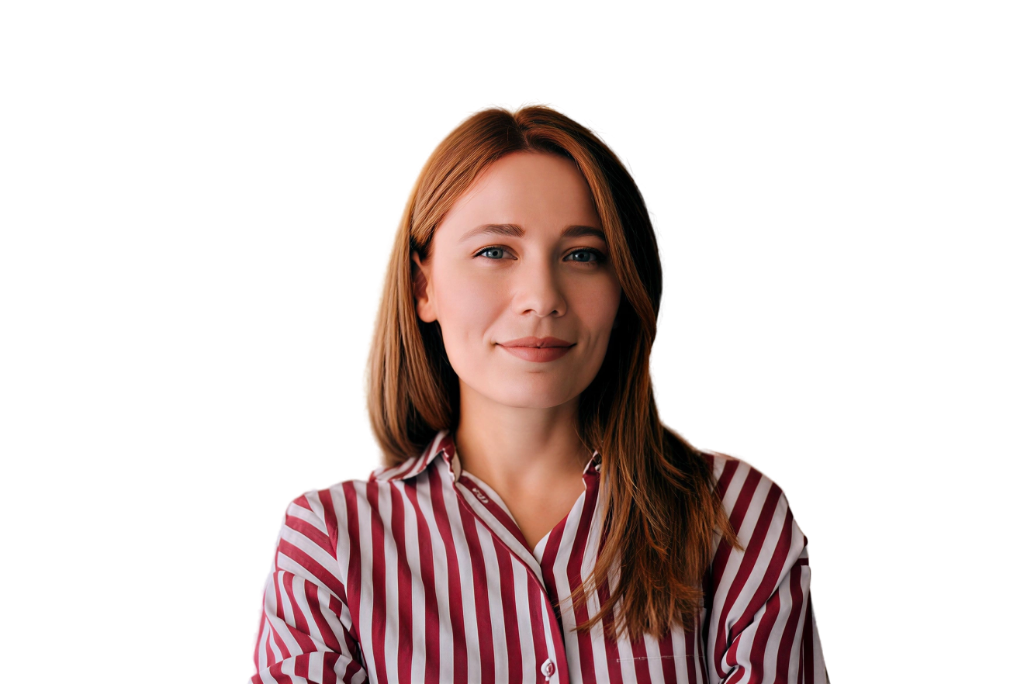
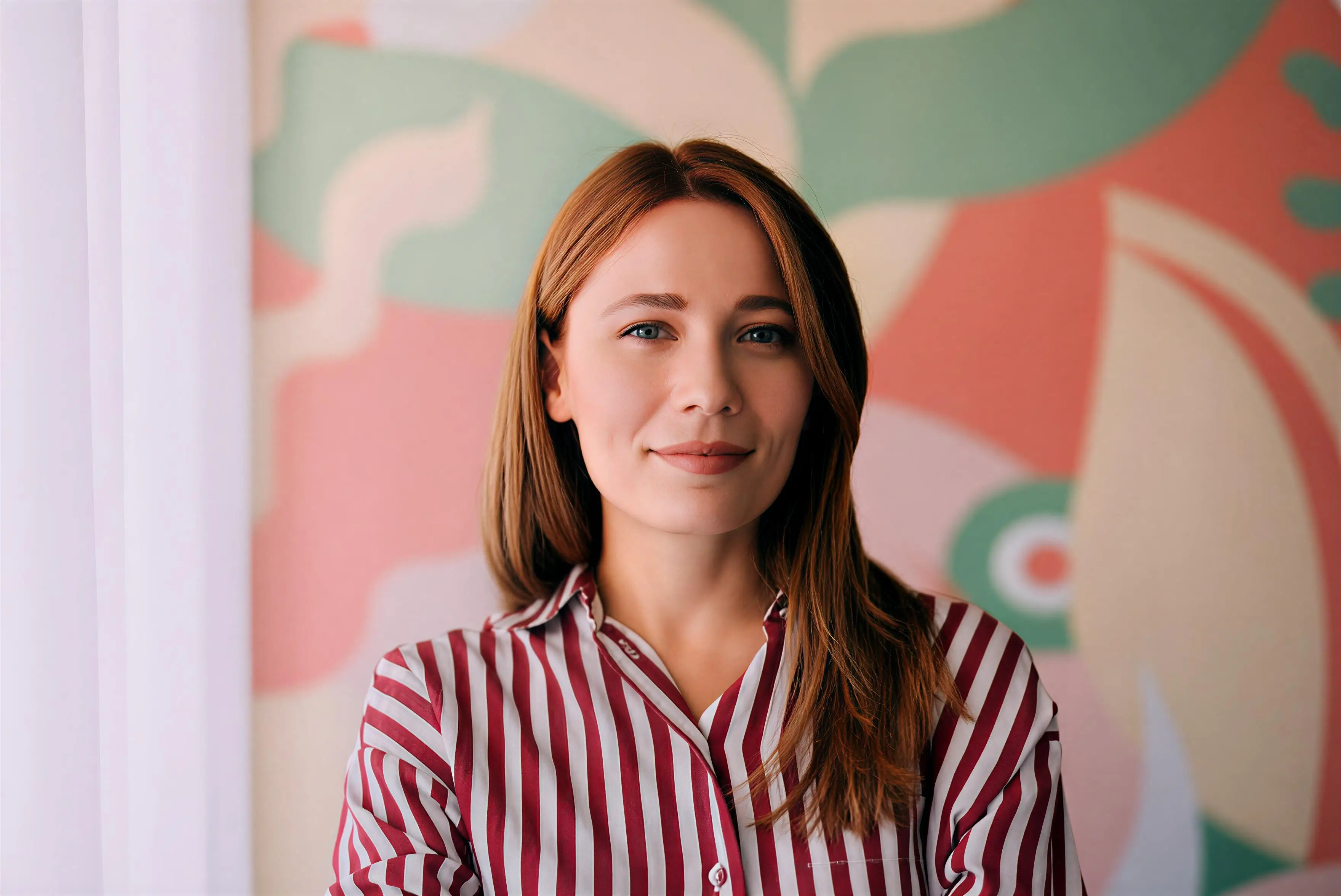
Use our AI background changer to replace distracting backgrounds, keep subjects looking natural, and create cleaner images that feel ready to share or use.

  • Swap out busy or distracting backgrounds in just a few clicks while keeping the main subject clear, so the final image looks cleaner and more intentional.
  • Choose a new color, scene, or style for the background and get a result that feels better matched to the subject instead of looking obviously cut and pasted.
  • Create better visuals for product photos, profile pictures, social posts, and marketing content without spending extra time on slow manual background edits.
How it works

How to Change Image Background Online Fast

Change image background in three simple steps. Upload your photo, adjust the settings, choose the output, and create a cleaner final image online.

01

Upload Your Image from Device

Drag and drop your file to upload, then choose Change Background to start editing the image.

02

Adjust Background Settings

Adjust settings like aspect ratio before processing. Auto keeps each image's original ratio at 1K.

03

Generate Your Final Image

Choose JPG or PNG, set resolution up to 4K, then click Create to generate and download your image.

FAQ

FAQs About Our AI Background Changer

Find answers about pricing, speed, image quality, transparency, downloads, privacy, and what to expect when changing backgrounds.

Can I try the AI background changer for free?

Yes. You can try the AI background changer for free with limited generations. We usually give returning users 30 credits per day, with a maximum balance of 100 credits. For the latest plan details or feature limits, it is best to check the Pricing page.

How long does it usually take to generate a new background?

In most cases, it takes around 15 to 30 seconds to generate a new background. The exact time can vary a little depending on your internet connection, image size, and current server load, but the process is generally quick.

Do I need a transparent image before changing the background?

Yes, some transparency in the uploaded image helps the tool generate a cleaner new background. Even a small transparent area can be enough, as long as the subject is already separated well enough from the original background.

Will the final image look natural after the background is changed?

That is the goal. A good AI background changer should do more than swap the background. It should also keep the subject looking clear and help the new background feel like it fits the image, rather than looking pasted in afterward.

Is my data safe when I upload images here?

Yes. Images are processed securely through encrypted servers. Your files and details are not meant to be shared or used elsewhere without your permission, so the editing process stays more private and controlled.

What kinds of photos work best with an AI background changer?

It works especially well on portraits, product photos, profile pictures, and other images where the main subject is easy to identify. In general, the clearer the subject is, the better the new background tends to blend with the final image.

Can I use the edited image for social media or product pages?

Yes, that is one of the most common use cases. Background-changed images work well for social posts, ecommerce listings, ads, banners, profile photos, and other visual content where a cleaner or more branded look matters.

What file formats can I download after editing?

You can typically export the final image in common formats like JPG or PNG. These formats are practical for everyday use, whether you are sharing the result online, adding it to a design, or saving it for later.

Can I choose different background styles or looks?

Yes. Depending on the tool settings, you can usually change the background to a different color, style, or scene. That gives you more control over how polished, creative, or brand-ready the final image looks.

Do I need any editing experience to use this tool?

Not at all. The tool is designed for people who want a better-looking image without learning complicated editing software. You upload the photo, choose the background option, and let the tool handle most of the work for you.

Try a Better Background

Change Backgrounds and Refresh Your Photos

Change the background of your image and get a more polished result that works better for product pages, profiles, or social posts.