Loading Studio workspace

AI Image Sharpener: Sharpen Image Online with AI

Use AI to make pictures clearer and sharpen the picture online for free. Improve soft edges, recover cleaner detail, and get sharper-looking results in seconds.

Sharpen Any Image with AI

Why Use Our AI Image Sharpener

Bring soft, blurry, or low-quality images back into focus with AI sharpening that improves edges, textures, and small details without making results look harsh.

  • Recover edge definition, fine textures, and weak details in soft photos, screenshots, and product images with sharper, cleaner, more readable results.
  • Our AI sharpens intelligently instead of forcing a harsh filter, preserving natural textures while reducing blur, fuzziness, and fake-looking edges.
  • Upload, sharpen, and download in seconds from any browser with no design skills, no complicated controls, and no extra software to learn or install.
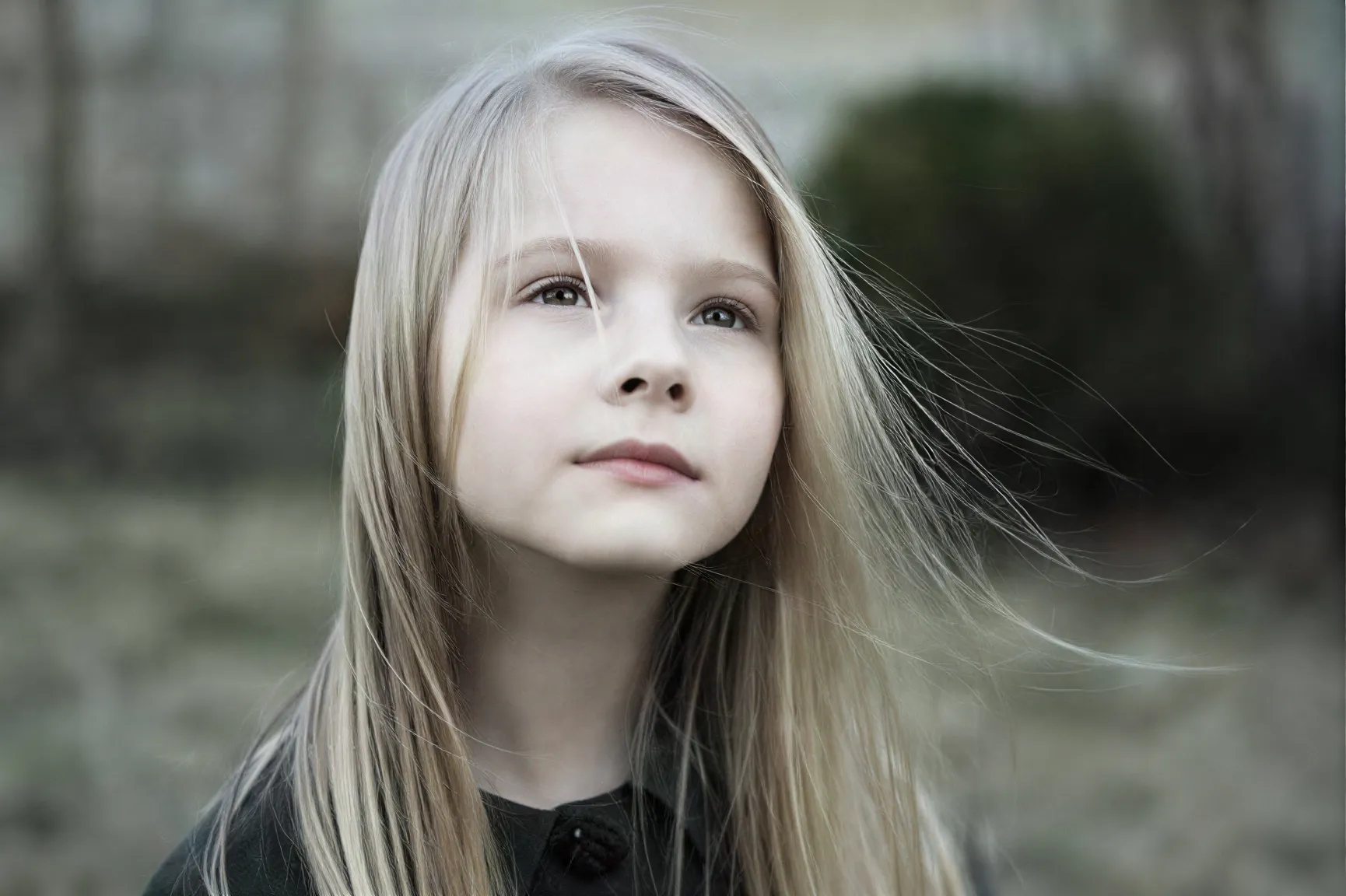
More AI Tools to Improve, Clean Up, and Edit Images Online

Need a more specific fix? Explore these tools to sharpen, restore, or clean up your images.

How it works

How to Sharpen Image Online in 3 Steps

Upload your file, adjust sharpening settings, choose the output format and resolution, and create a clearer image in just a few clicks.

01

Upload and Start

Drag and drop your file to start, then choose the Sharpen Image option to prepare your photo for a cleaner, clearer result.

02

Adjust Your Settings

Adjust settings like aspect ratio as needed. Auto keeps each image in its original aspect ratio and outputs at 1K by default.

03

Choose Format and Create

Choose JPG or PNG as the output format, set resolution up to 4K, then click Create to generate and download the sharpened image.

FAQ

FAQs About Our AI Image Upscaler

Find quick answers about features, supported formats, image quality, privacy, and how our AI sharpener works on different types of photos.

Is it really free to sharpen image online?

Yes. You get 30 free credits every day, so you can try the tool for free and see how well it works before paying for anything.

Do I need any editing skills to use it?

Not at all. Just upload your image, choose your settings, and let the AI do the work. You do not need any editing experience to get started.

What image formats are supported?

We currently support JPG, PNG, and WEBP, which covers most of the image formats people use for websites, design, and everyday photos.

Can I sharpen very low-quality or compressed images?

Yes. If your image looks soft, compressed, or low in detail, the AI can help make edges and textures look clearer and easier to read.

Does the AI work on motion-blurred photos?

Yes. It can improve motion-blurred photos, especially when the subject is still visible but the image looks soft or lacks clean detail.

Will sharpening create noise or artifacts?

No. The goal is to make the image look clearer, not harsher. Our AI helps avoid halos, extra noise, and other over-sharpened effects.

Does sharpening change the size or quality of the original photo?

Not by default. The tool keeps your original image settings unless you choose to change them. It focuses on improving sharpness without forcing other changes.

How can I improve resolution as well as sharpness?

If you also want a bigger or higher-resolution image, you can use our AI image upscaler. It is the better choice when you need both size and detail improvement.

Will my uploaded images be stored?

No. Your images are processed securely and automatically deleted after a short time. We do not keep your files after processing.

Can I sharpen multiple images at once?

Yes. You can batch process up to 8 images at the same time, which is useful when you need to clean up several photos in one go.

Ready to Try It?

Sharpen Blurry Images in Seconds

Fix soft, blurry photos in seconds and make edges, textures, and fine details look cleaner, sharper, and more natural online.